

Quick start
Get from zero to your first design in about two minutes.
StyTrix is an AI fashion design platform you can drive straight from an AI agent like Claude, Cursor, or Codex. Follow these four steps and you'll generate your first concept and watch it land live on your canvas.
1. Create a free StyTrix account
Sign up at stytrix.com/sign-up. Your account holds your projects, your canvas, and your credits. Read-only tools are free, so you can connect and explore before spending anything.
2. Connect StyTrix in your agent
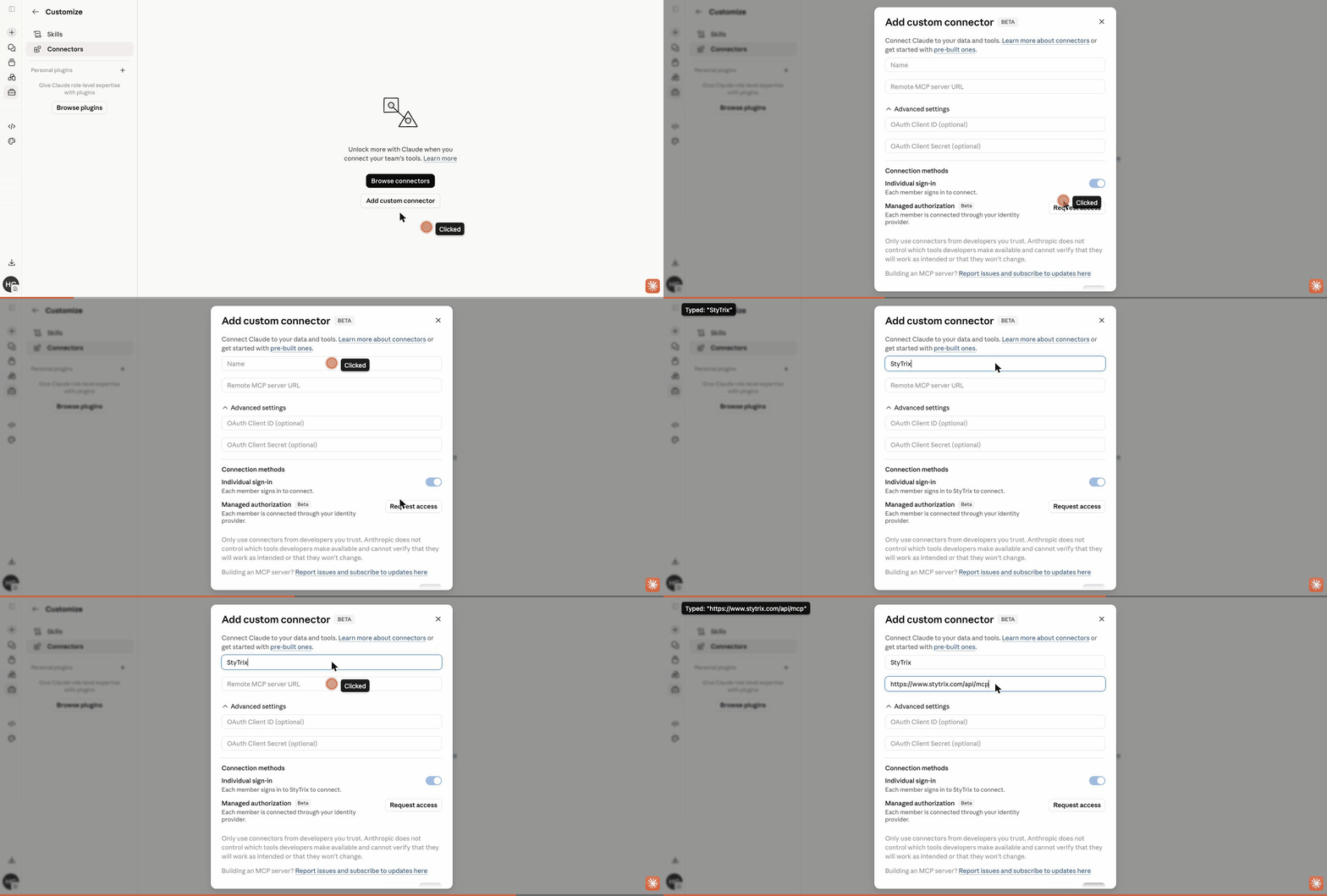
In Claude.ai, open Settings → Connectors → Add custom connector and paste the StyTrix MCP endpoint:
https://www.stytrix.com/api/mcp
Click Add, then Connect and sign in with your StyTrix account (OAuth — no API key). Using a different agent? See MCP connector for Claude Code, Cursor, Codex, and Gemini CLI.
3. Ask your agent to design
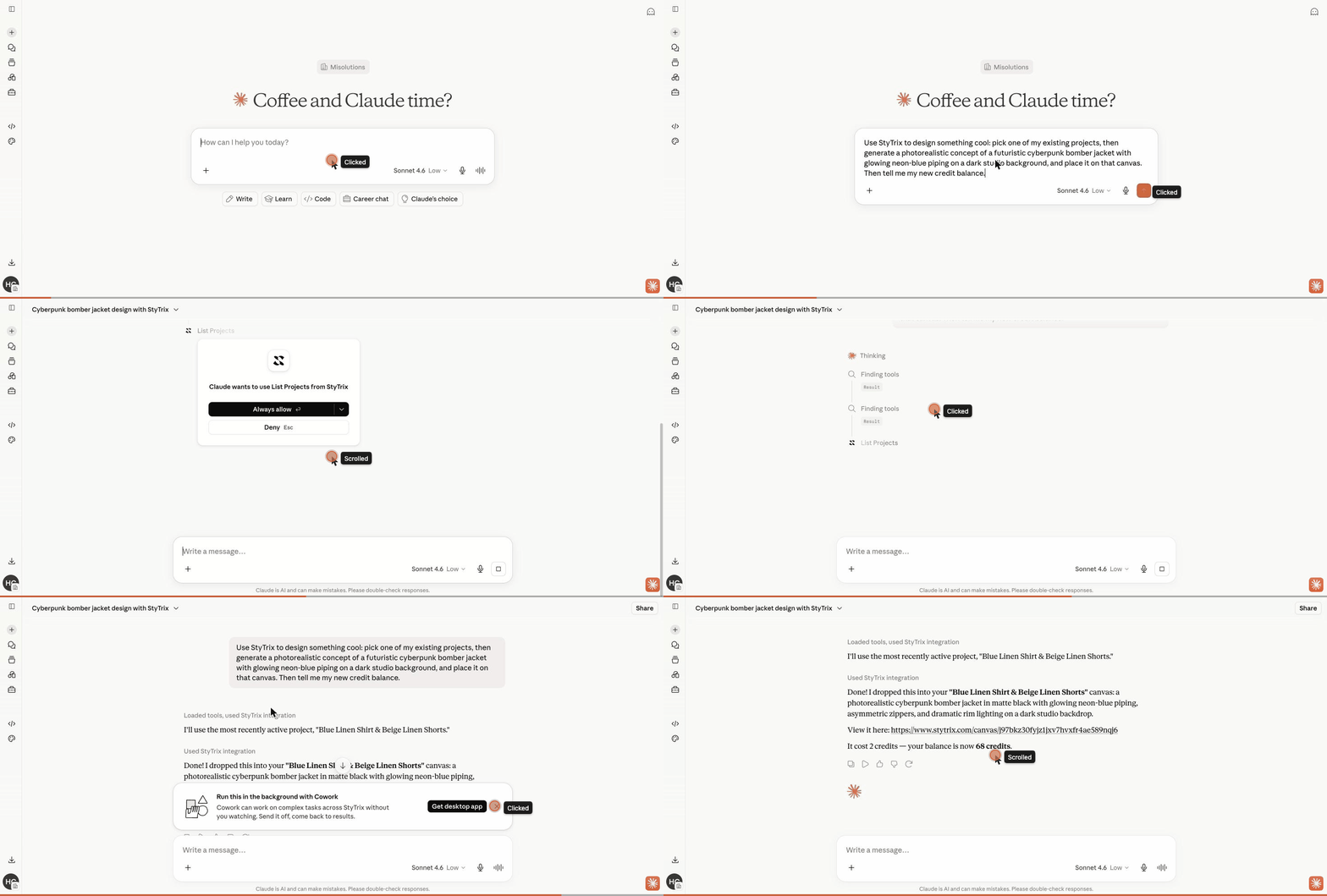
Open a new chat and give your agent a clear, specific request. Try this:
Create a project and generate a photorealistic concept of an oversized camel wool coat, then place it on the canvas.
Your agent finds the StyTrix tools, asks your approval for anything that spends credits, generates the design, and places it on the canvas — all in one conversation.
4. See it on your canvas
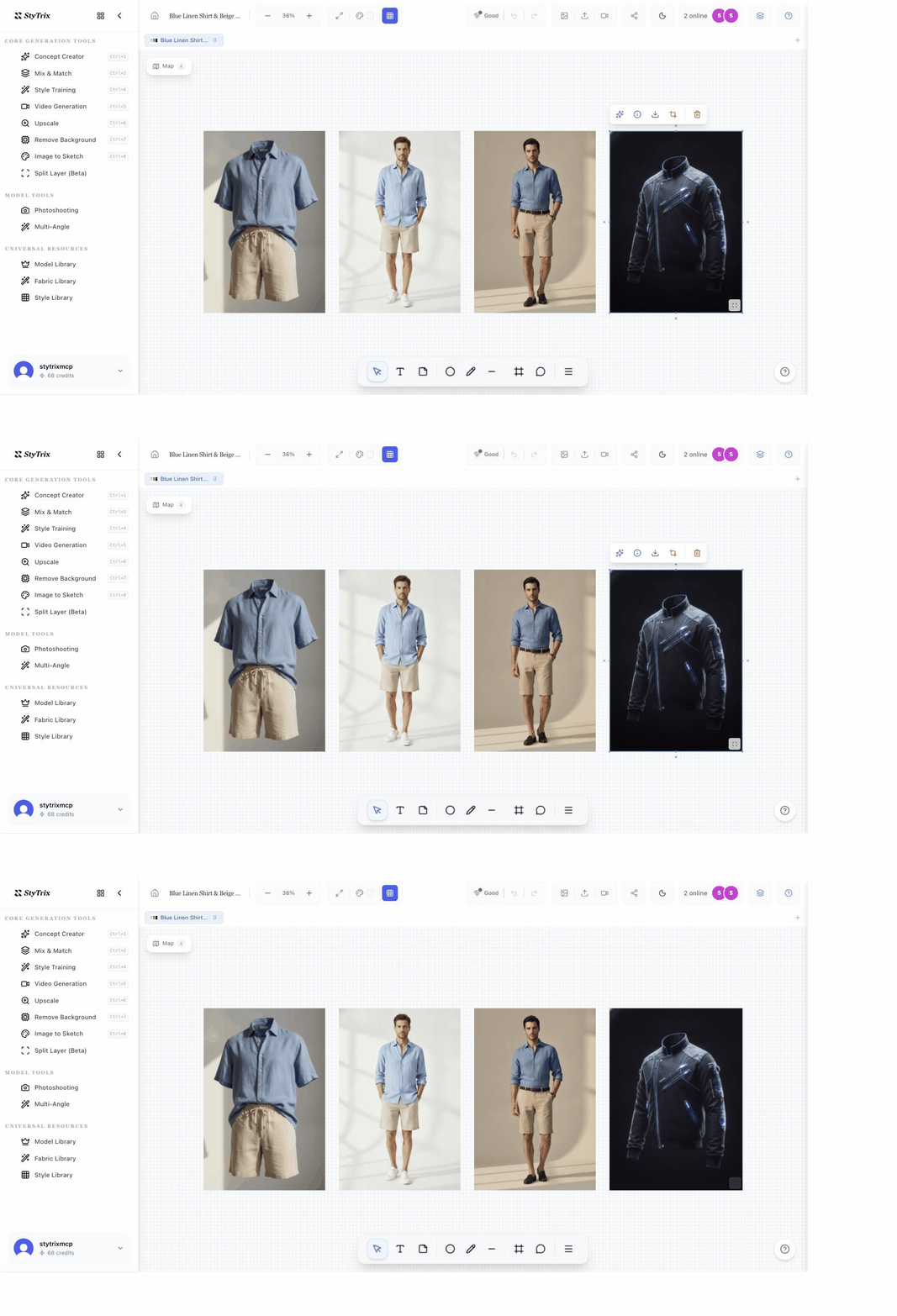
Open your StyTrix canvas and the generated concept is there as a real, editable design object — select it to upscale, remove the background, or generate variations.
Next steps
Want the full setup for every client? MCP connector →