

Resource libraries
Structured generators that build reusable models, fabrics, and garments from guided options instead of a blank prompt.
These tools live under Universal Resources in the canvas sidebar. Each one turns a set of dropdown options into a clean, ready-to-use asset — and shows you the Generated Prompt it builds along the way. New to the canvas? Read Using the canvas first.
Model Library
Generate a fashion model or character to wear your designs, built from guided attributes. Cost: about 5 credits.
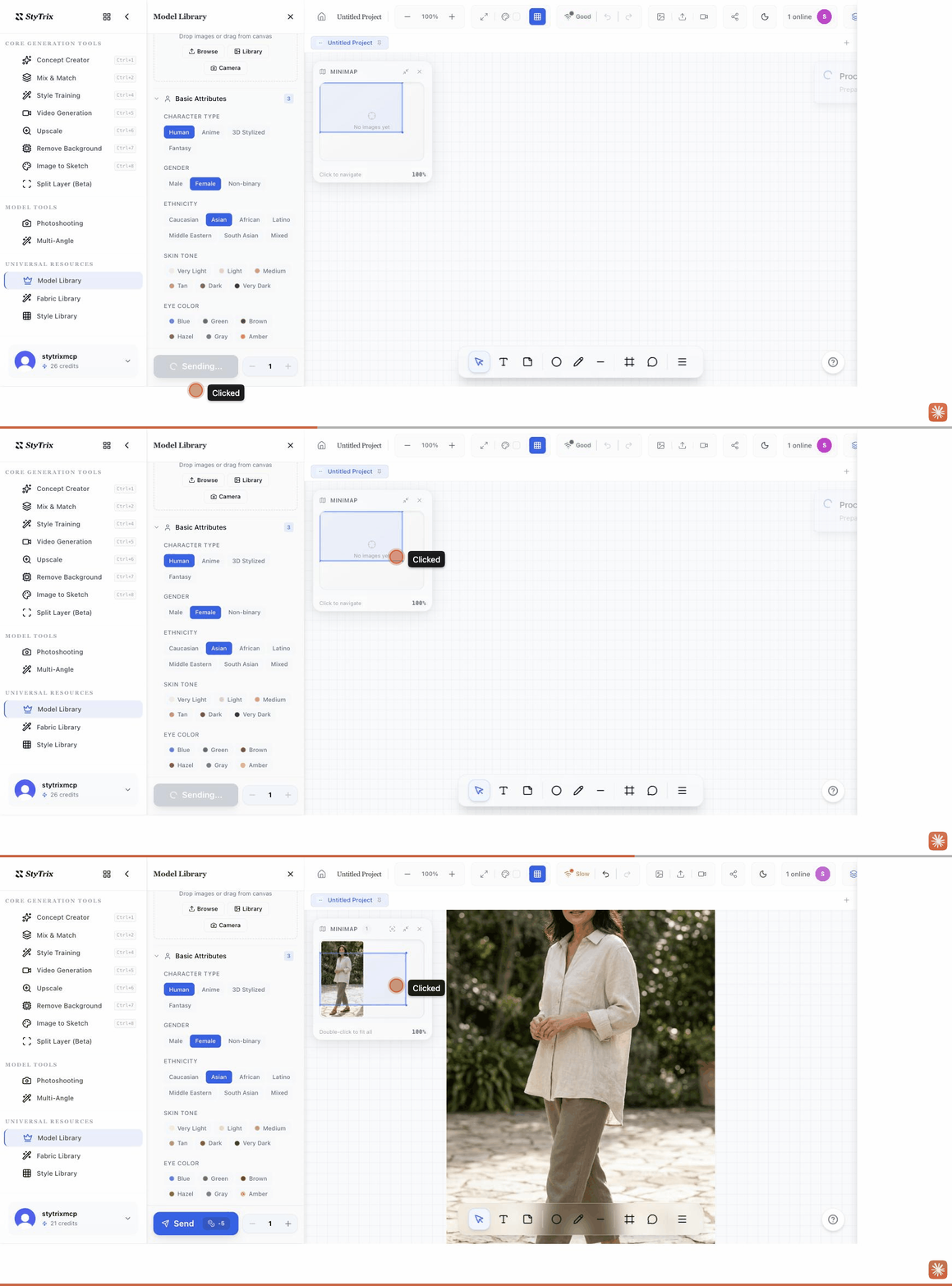
- Open Model Library and pick an output size (9:16 is ideal for full-body models).
- Under Basic Attributes, choose Character Type, Gender, Ethnicity, and Skin Tone (scroll for more).
- Optionally add a Reference Image to guide the look.
- Press Send. The model is placed on your canvas and becomes available in Photoshooting.
Fabric Library
Generate a fabric swatch or material — seamless tiles, flat swatches, draped, on-garment, and more. Cost: about 5 credits.
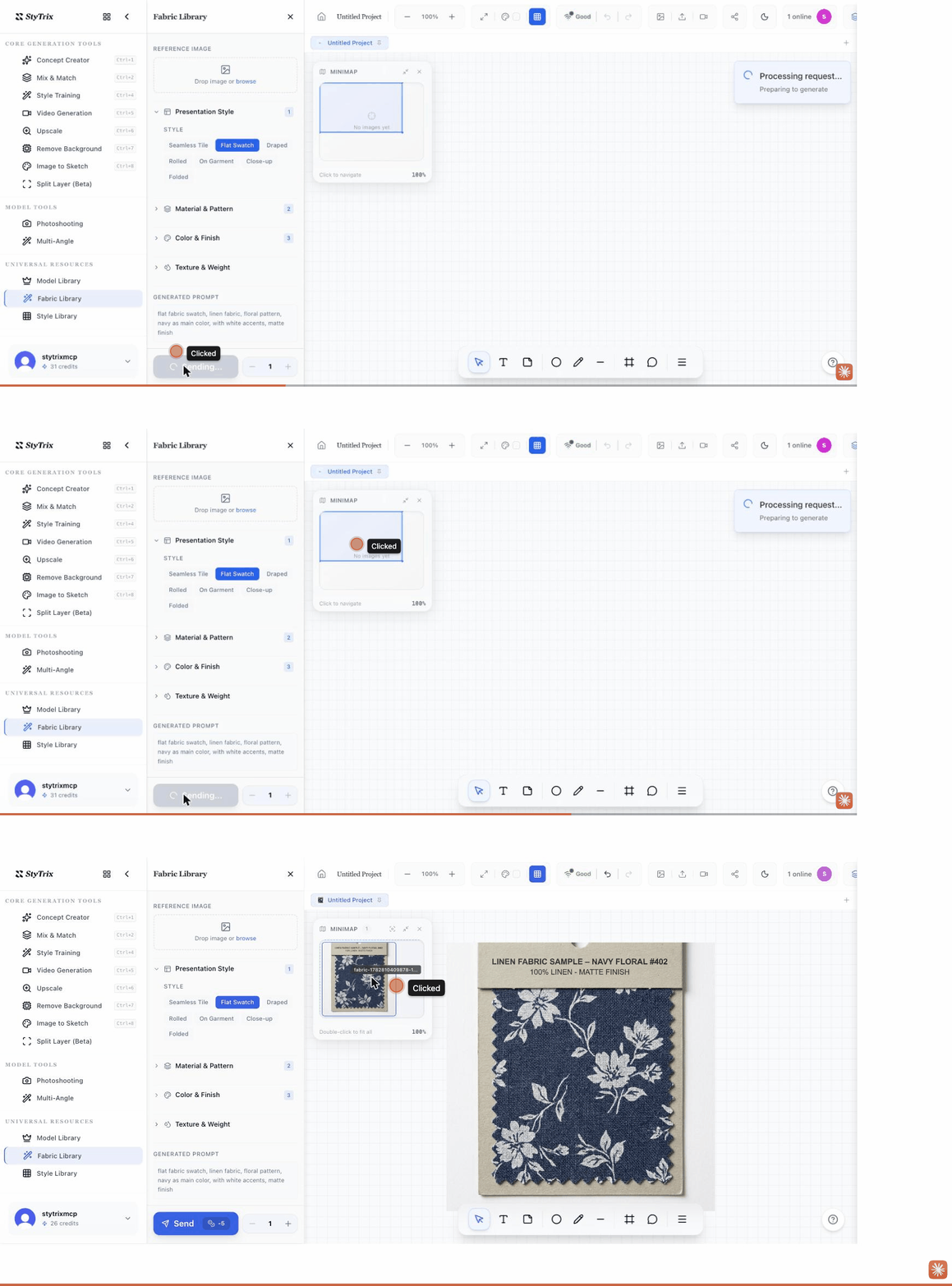
- Open Fabric Library and choose a Presentation Style (Seamless Tile, Flat Swatch, Draped, On Garment, etc.).
- Expand Material & Pattern, Color & Finish, and Texture & Weight to refine. The Generated Prompt updates as you choose.
- Optionally add a Reference Image.
- Press Send to place the swatch on your canvas.
Style Library
Generate a garment in a chosen presentation — flat lay, on model, on hanger, ghost mannequin, folded, or styled outfit. Cost: about 5 credits.
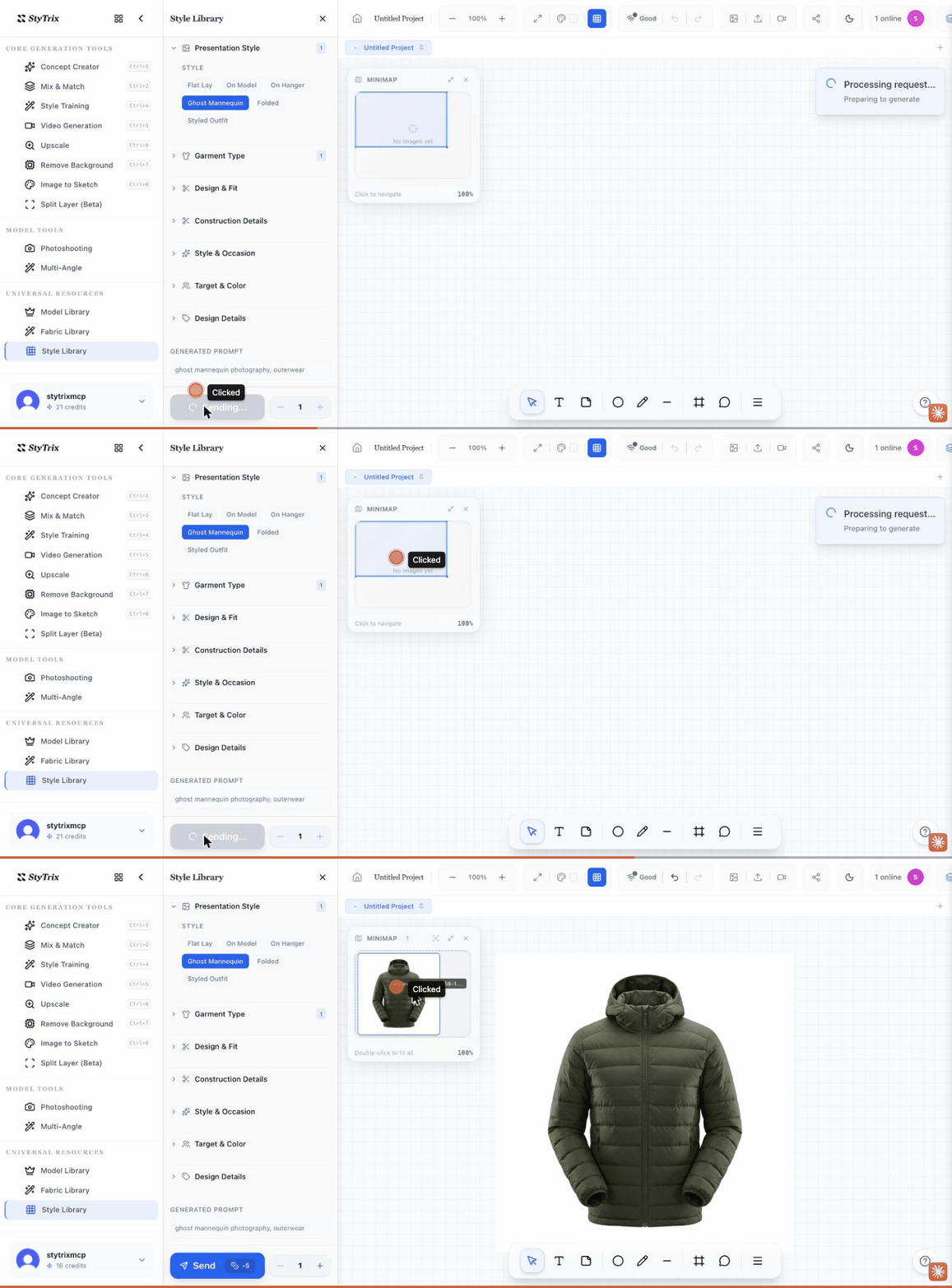
- Open Style Library and choose a Presentation Style (Flat Lay, On Model, On Hanger, Ghost Mannequin, Folded, Styled Outfit).
- Expand Garment Type, Design & Fit, Construction Details, Style & Occasion, and Target & Color to specify the piece.
- Optionally add a Reference Image.
- Press Send to add the garment to your canvas.